

GPS-based wireless fences work reliably for most owners when the collar uses solid positioning hardware and the boundary is mapped away from heavy tree cover, tall buildings, and open water. Wireless fence interference is real, but it’s manageable. Before anything else, check that your collar’s firmware is current and walk your dog’s boundary once to confirm the map matches the ground. Everything else, causes, fixes, training, and testing, builds from that one check.
TL;DR:
- Dense tree canopy, terrain, water, and buildings significantly increase GPS drift and false alerts, especially during seasonal foliage changes.
- Collars with multi-band GNSS, better antennas, and filtering software handle interference more reliably, but firmware updates remain crucial for optimal performance.
- Proper boundary mapping, including buffering from obstructions and regular re-walks, minimizes false corrections and adapts to environmental changes.
- Most interference issues stem from environmental factors rather than household wireless signals, except in cases of poor cellular coverage affecting live updates.
- Maintaining a fully charged collar and adjusting warning zones can improve consistency and overall reliability of virtual fencing systems.
Table of Contents
- What Causes Wireless Fence Interference?
- What Device Features Actually Reduce Interference?
- How to Set Up Your Boundary to Minimize False Alerts
- Why Reliability Matters More Than Pinpoint Accuracy
- What Should You Expect Day to Day?
- Do Other Wireless Signals Interfere With GPS Fences?
- How Does Battery Level Affect Signal Performance?
- Balancing Freedom and Safety for Adventurous Dogs
- How Havenfreedom Handles Interference Differently
- Where to Learn More
- Sources
What Causes Wireless Fence Interference?
Every GPS device drifts a little. Your collar isn’t broken when the dot on the app map shifts a few feet, that’s just how satellite positioning works. Satellites move constantly, and their exact geometry overhead at any moment changes how precisely a receiver can triangulate a location. Add in signal bounce off buildings or water, and the position variance that GPS drift creates becomes an expected part of the technology, not a defect in your specific unit.
The environment does most of the damage, though. Common culprits include:
- Tree canopy: dense leaves scatter and absorb satellite signals before they reach the collar.
- Hills and slopes: terrain can physically block a receiver’s line of sight to low satellites.
- Water: large ponds or lakes reflect signals, creating false readings near shorelines.
- Buildings and structures: metal siding and concrete walls bounce signals unpredictably.
- Heavy cloud cover: thick storm systems can measurably weaken signal strength.
Seasonal timing matters more than most owners expect. A boundary that performed perfectly in March can develop blind spots by July once trees leaf out. One analysis found that dense forest canopy can reduce GPS positional accuracy by a significant margin, which is why a fence mapped in winter deserves a second look once summer foliage fills in.
This is also where the distinction between accuracy and reliability starts to matter. The American Kennel Club draws a clear line between how precisely a system maps a boundary and how consistently it triggers an alert at that boundary. A fence can be slightly imprecise on the map and still be highly reliable for training, because your dog learns the felt boundary, not the pixel-perfect line.
What Device Features Actually Reduce Interference?
Not all collars handle interference the same way, and the difference usually comes down to what’s inside the housing, not the marketing copy on the box. A few engineering choices separate a collar that holds its boundary from one that drifts constantly:
- Multi-band GNSS receivers: pulling signal from multiple satellite bands instead of one gives the collar more data points to cross-check, which matters most under partial canopy.
- Stronger, better-placed antennas: antenna design affects how much signal actually reaches the chip, especially with fur and collar orientation in the way.
- Positional fusion: blending GPS data with Bluetooth or inertial sensors helps the collar make sense of a position even during brief satellite dropout.
- Signal filtering and smoothing: software that averages out jittery readings prevents a single bad data point from triggering a false alert.
Pro Tip: Check whether a manufacturer publishes environmental testing results before you buy. A brand willing to show how its collar performs under real tree cover and near buildings is telling you something a spec sheet won’t.
Firmware matters just as much as hardware. Manufacturers routinely tune their filtering algorithms after collecting real-world performance data, and firmware updates can measurably reduce perceived drift and false triggers over the life of the product. A collar you bought a year ago may already perform better than it did on day one, provided you’ve kept it updated. Skipping updates is one of the most common, and most avoidable, reasons a previously reliable fence starts acting erratic. Treat firmware the way you’d treat a phone’s operating system: not optional, and worth checking monthly.
How to Set Up Your Boundary to Minimize False Alerts
Good mapping does more to prevent interference problems than any hardware upgrade. Follow these steps when you first set your boundary and any time you adjust it:
- Build in buffer zones. Keep your actual boundary line at least several feet inside tree edges, water, and structures rather than running it flush against them.
- Avoid tight corners near obstructions. A boundary that hugs a wooded tree line invites the exact blind spots that cause false corrections.
- Walk the perimeter after mapping. Confirm the app’s boundary line matches what you actually walked before letting your dog near it.
- Run staggered test passes. Approach the boundary from different angles and speeds over a few days to catch inconsistent triggers early.
- Widen the warning zone if your collar allows it. A wider buffer gives the system more room to correct for minor drift without triggering false corrections.
- Check collar fit and orientation. A loose or twisted collar can angle the antenna away from open sky, weakening the signal it receives.
Pro Tip: Re-walk your boundary every season, not just once. A line that was clean in winter can develop soft spots once spring foliage fills back in.
Re-check firmware and re-map roughly every few months, or sooner if you notice a pattern of false alerts.
Why Reliability Matters More Than Pinpoint Accuracy
A boundary that’s off by a couple of feet but triggers the same warning every single time will train a dog faster than one that’s technically more precise but inconsistent. Dogs don’t read maps. They learn patterns, and a predictable cue at a predictable spot is what actually sticks. This is the same principle the AKC emphasizes when it separates accuracy from reliability: consistency, not precision, is what makes a virtual boundary humane and effective to train against.
Graduated warning zones support that consistency. A well-designed system escalates from a sound cue, to vibration, to an optional static correction only if the dog continues past the warning stage. That escalation gives your dog a chance to self-correct before anything more intense happens, and repetition across many sessions is what locks in the boundary as a permanent mental map.
If triggers start feeling random, some fixes to try before assuming the collar is faulty:
- Widen the warning zone temporarily while retraining.
- Rescan the boundary if you’ve had recent landscaping, new construction, or seasonal foliage changes.
- Pause training sessions during storms or heavy cloud cover, when signal quality dips.
For a deeper walkthrough of building these cues from scratch, Havenfreedom’s guide on boundary training for dogs covers the full progression.
What Should You Expect Day to Day?
GPS collars update position on a regular cadence, not continuously, and there’s a gap between when the collar calculates a position and when your phone displays it. Most of that lag comes down to network availability rather than the GPS chip itself. Collars typically calculate position locally using satellite data, but live updates to the app require a cellular connection, so a dead zone on your property can look like drift when it’s really just a delayed update.
A short verification routine catches most problems before they become real ones:
- Walk the full mapped boundary and confirm the app matches reality.
- Check performance specifically under canopy, near water, and close to any large structures.
- Run repeated boundary passes at different times of day.
- Re-test after major seasonal changes, especially leaf-out in spring.
If your dog triggers false corrections constantly despite a clean mapping and updated firmware, that’s usually a sign the property has too much canopy or terrain interference for GPS to serve as the sole containment method. In that case, a hybrid approach, layering supervision or a secondary physical barrier, is the safer call.
Do Other Wireless Signals Interfere With GPS Fences?
GPS satellites broadcast on their own dedicated frequency bands, so your home Wi-Fi router, neighbor’s garage door opener, or cell tower traffic doesn’t directly jam the satellite signal itself. Where other wireless activity actually matters is on the connectivity side, not the positioning side. A collar’s live tracking and escape alerts depend on cellular network signal to push updates to your phone, and that link can genuinely suffer in areas with weak carrier coverage or heavy network congestion.
Bluetooth is a slightly different story. Collars that use Bluetooth for short-range features, like a dog finder function, operate on a completely separate radio band from GPS positioning, so the two don’t compete for the same signal. You won’t get false boundary triggers because your dog walked near a Wi-Fi router or a neighbor’s baby monitor.
The practical takeaway: if your fence is misbehaving, look at satellite visibility (canopy, terrain, structures) before worrying about other electronics in the house. Most reported “interference” that owners blame on household wireless devices actually traces back to the same environmental causes covered earlier, canopy, hills, and buildings, rather than radio competition from other gadgets. If live tracking specifically lags while the fence itself seems to trigger fine, that’s a strong signal the issue is cellular coverage, not GPS interference at all.
How Does Battery Level Affect Signal Performance?
A collar running low on battery doesn’t lose GPS accuracy in a dramatic way, but power management does shape how consistently it maintains a signal lock. Many collars reduce how often they ping satellites or transmit updates as battery drops, a deliberate tradeoff to stretch remaining charge. That power-saving behavior can look like new interference when it’s really just a lower-frequency check-in schedule.
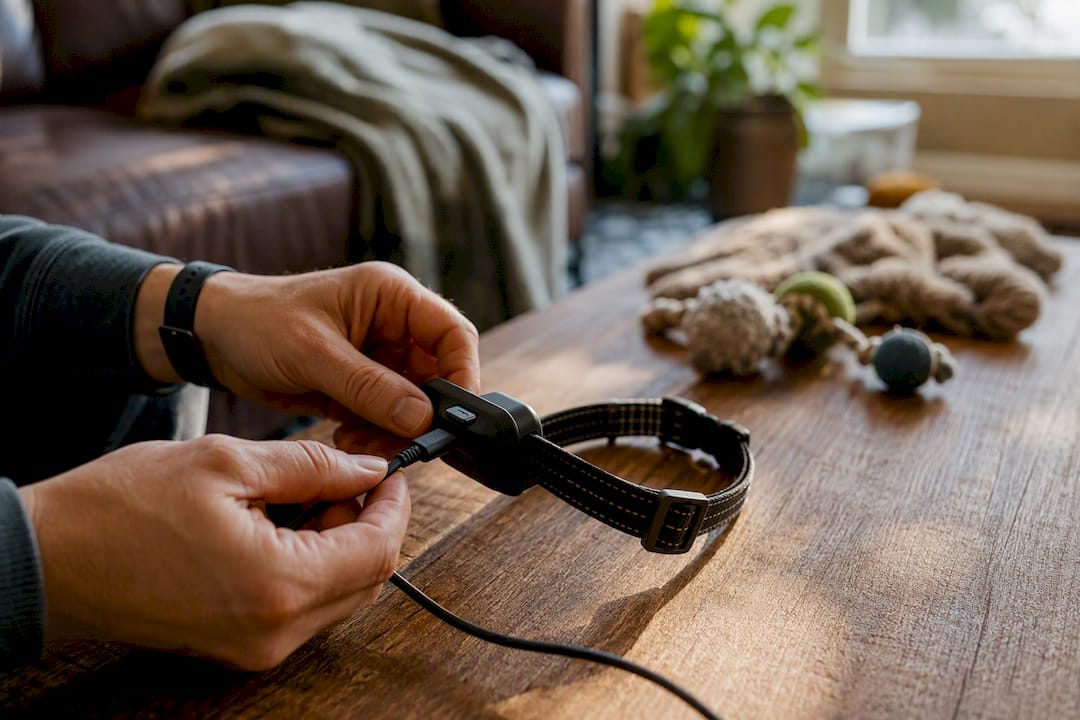
Cold weather compounds the issue. Battery capacity drops in low temperatures, which means winter hikes can shorten the runway you have before the collar starts conserving power more aggressively. If you notice your fence or tracking getting choppier specifically in cold months, battery behavior is worth ruling out before you assume something environmental changed.
Charging habits matter too. A collar that’s frequently run down to near zero before recharging tends to show more erratic signal behavior over its lifespan than one kept in a healthier charge range. Treat the battery gauge in your app as more than a convenience number, it’s an early warning system for connectivity issues. Keeping the collar charged above the halfway mark before extended outdoor time gives you a real buffer against the moments when signal conditions are already working against you, whether that’s dense trees, a cloudy sky, or a weak cell signal in a rural pocket of your property.
Balancing Freedom and Safety for Adventurous Dogs
GPS-based virtual fences shine on open acreage where owners are nearby and actively supervising, not as a set-it-and-forget-it solution for every property. Wooded lots, waterfront land, and dense suburban blocks all demand extra caution and periodic rechecking, not blind trust in a single mapping session done a year ago.
Training-first thinking beats gadget-first thinking every time. A collar is a tool that reinforces a boundary your dog is actively learning, not a replacement for that learning. If false triggers persist after firmware updates and remapping, that’s the moment to bring in a trainer or add a second layer of containment rather than pushing through with a system that’s clearly struggling against its environment.
— Haven
How Havenfreedom Handles Interference Differently
Havenfreedom built the Freedom collar around the exact problems covered above. It uses dual-band positioning to cross-check satellite data in the conditions that trip up single-band systems, tree cover, hills, and structures, and pairs that with live tracking, escape alerts, and a dog finder that combines sound, light, and Bluetooth radar for fast recovery if a boundary ever gets crossed.
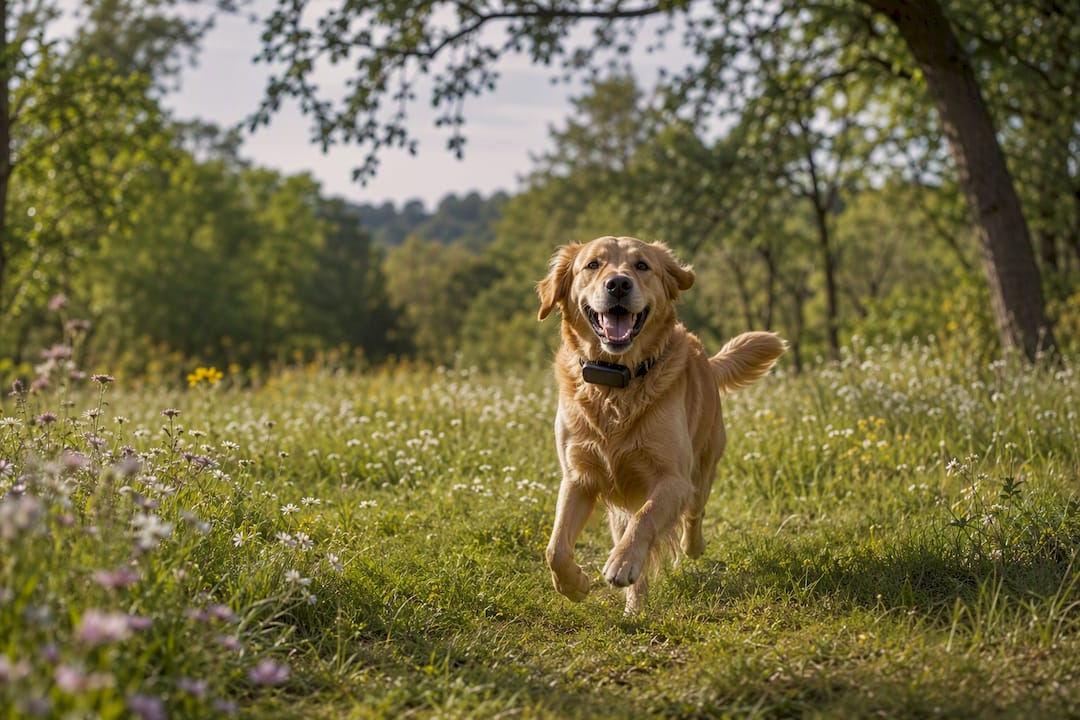
There’s no buried wire to install and no trenching your yard to get a working boundary. The core fence function runs without a subscription, so you’re not paying a monthly fee just to keep your dog contained. A plan is only needed if you want the live tracking and app extras layered on top. Start by exploring the HAVEN Freedom GPS collar to see the full feature set, or read through the how-it-works guide for the mapping and setup process before your boundary walk.
Where to Learn More
The American Kennel Club’s guides on GPS fence accuracy versus reliability and evaluating GPS containment systems are worth bookmarking. For setup and training specifics, Havenfreedom’s boundary training guide and pricing breakdown cover the practical side, and property owners installing artificial turf near their boundary lines may also find Turf Tails’ maintenance guidance useful for keeping mapped zones clean and obstruction-free.
Recommended
Keep reading
en
Puppy E-Collar Age: When Is It Safe, and What to Use First
No vet-backed minimum age exists for shock collars on puppies. See what vets advise, what to do before 6 months, and how a GPS...
Read the postcharge dog collar camping
Charging a Dog Collar at Camp: Skip Bedding, Use a Hard Surface
Charge a dog collar safely at camp with a power bank, original cable, and solar or car backup. Follow National Park Service battery safety...
Read the postYour adventure starts here
Ready to give your dog more room to roam?
Give your dog more freedom to explore — and give yourself the reassurance of knowing they're never far away.
